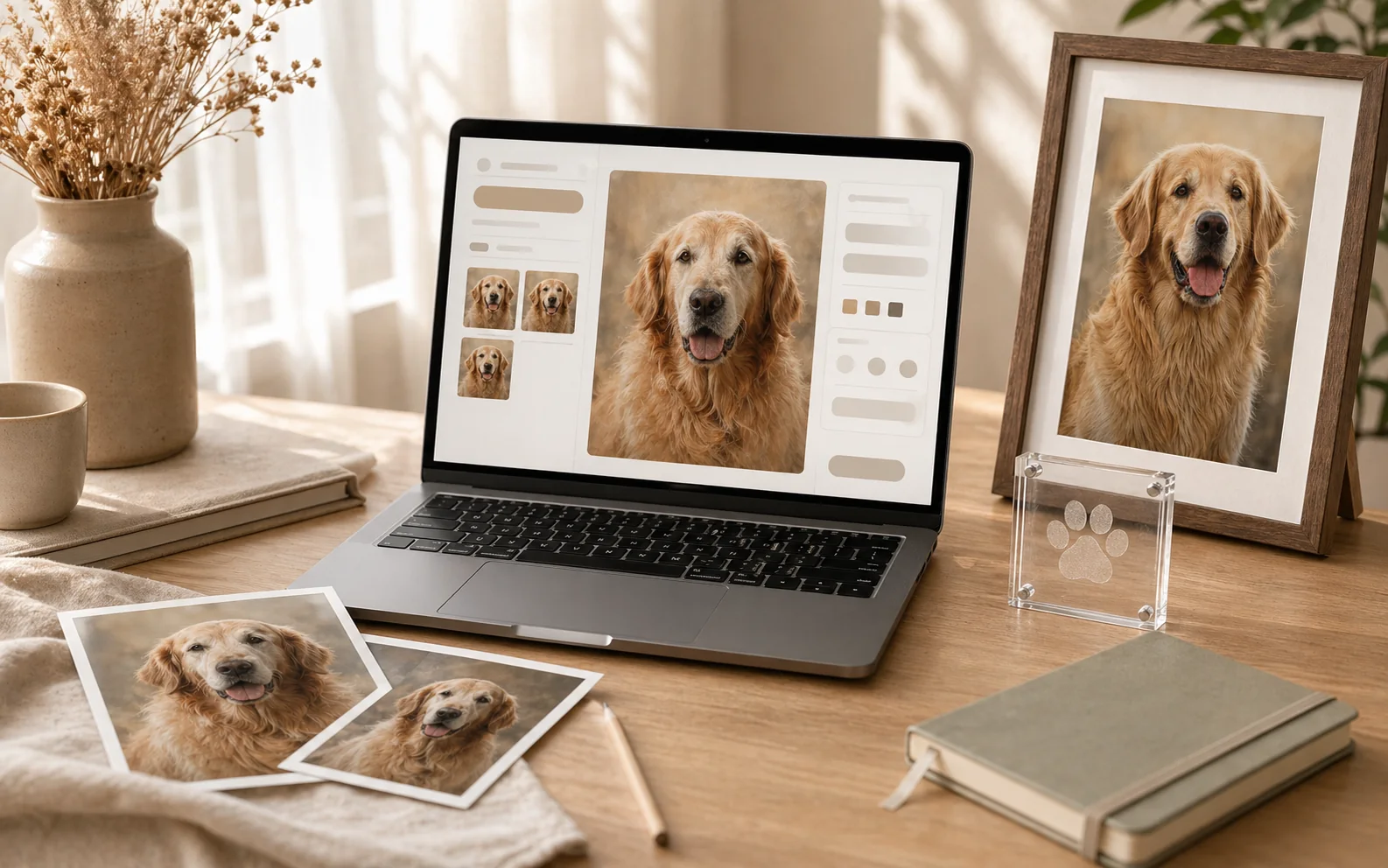
Start with the clearest photo
Use the image that feels most like the pet. It does not have to be technically perfect, but the eyes, markings, and expression should be recognizable. Backup photos help if the main image is old, cropped, or low light.
Add dates only if they comfort
Some families want birth and passing dates. Others prefer adoption day, first day home, favorite places, nicknames, or a list of small routines. A memory page should not force one structure onto every family.
Write one honest note
Short and specific is better than polished and generic. A few lines about what the pet did every day, where they slept, how they greeted people, or what the home feels like without them can carry more feeling than a formal memorial paragraph.
Choose the page sections
A useful pet memory page can include a portrait, original photo gallery, name, optional dates, a memory note, favorite places, family message, and a private share link. Start simple, then add sections only when they serve the story.
Connect the page to a QR code
A QR plaque, framed print card, or gift-box insert lets the physical keepsake open into the story. The frame stays clean while the page holds the photos and words that would not fit on the object.
Keep sharing private
Most families do not need a public memorial page. A private link or QR page is gentler because it can be shared with close family and friends without turning grief into a public profile.
What to choose from Pawlogue
Start with a custom portrait if you need a simple gift. Choose a framed print plus QR memory page when you want something more complete. Add paw jewelry when the recipient may prefer a small keepsake.